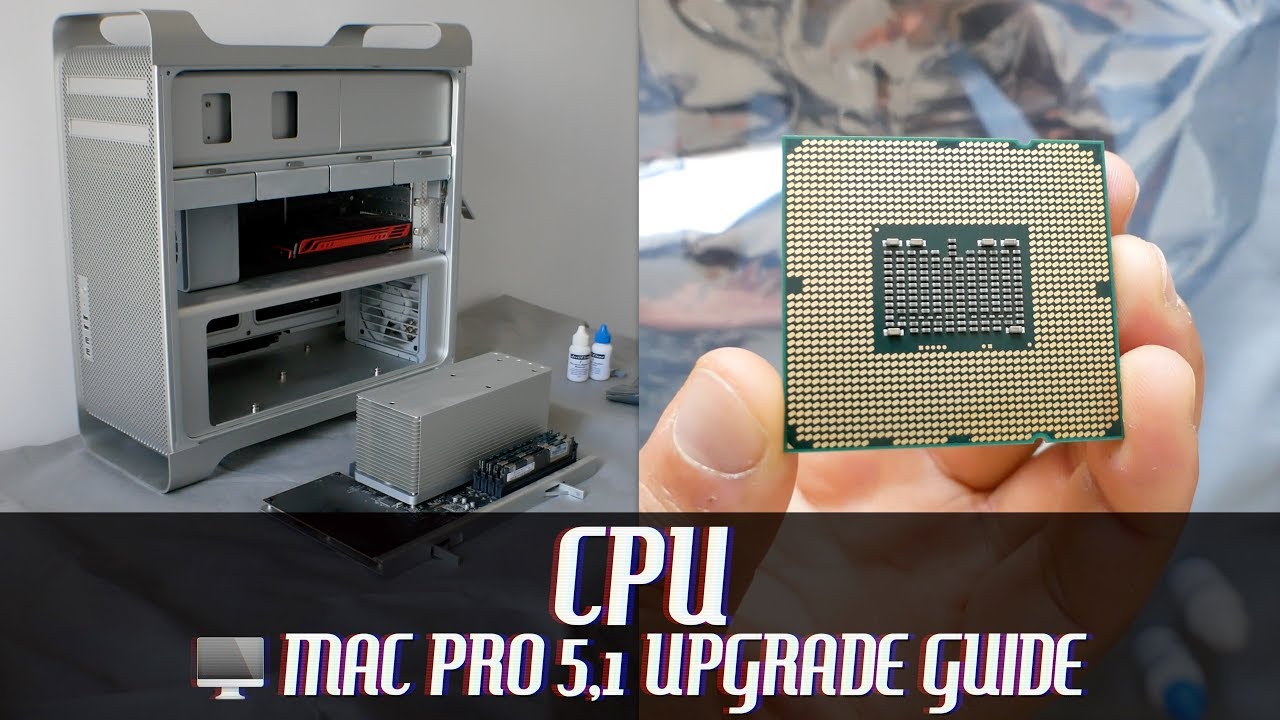
In this video we upgrade a 2010-12 Mac Pro to its maximum single CPU configuration of a 6-core Xeon X5690 CPU. WHAT YOU'LL NEED M3 (3mm wide) Hex key which is around 5 inches in length http://vtudio.com/a/?e=extra+long+m3+... Thermal paste remover - for this I used ArctiClean 1 & 2 http://vtudio.com/a/?a=ArctiClean+60ml Lint free micro-fibre cloth or equivalent http://vtudio.com/a/?e=lint-free-micr... Thermal paste - I used Arctic Silver 5 http://vtudio.com/a/?a=Arctic+Silver+5 New CPU - I used the maximum configurable CPU the Xeon X5690 http://vtudio.com/a/?e=xeon+x5690 RECOMMENDED VIDEOS Mac Pro 5,1 Review: https://youtu.be/3cvhXpCws_A Upgraded Mac Pro Performance: https://youtu.be/1EtDAGzqZz8 2009 Mac Pro 4,1 CPU Upgrade: https://youtu.be/YAdgT-hJuXU 2006 Mac Pro 1,1 CPU Upgrade: https://youtu.be/ZTVmDPb2nKE SPECIAL THANKS Thanks for your support and if you have any suggestions or would like to help us produce more videos, please visit: https://vtudio.com/a/?support WARNING Installing a CPU is tricky, this guide is purely made for educational purposes only to share my experience upgrading my personal system. I do not take responsibility with what you do to your system. STEPS The hex key you need is size M3 which means 3mm wide, and the length of the one I'm using is 130mm which is around 5 inches in length. As you can see it fits in nicely in the holes provided with leeway of around an inch. To unscrew rotate anti-clockwise, as there's several screws I worked my way around twice, the first time unscrewing it mostly, then the second time fully unscrewing it, to not put too much pressure uneven pressure on the CPU underneath. To remove the thermal paste, I used ArcticClean 1 which is the thermal material remover, I first applied it to the heatsink, then used a lint-free microfibre cloth to remove the residue. I then applied ArticClean 2 which is the surface purifier on the heatsink the same way. The old CPU can be easily removed by pushing down and swiping away the lock, and opening the CPU tray. I also cleaned up the CPU using the ArcticClean set - as I had lots of it remaining. The CPU goes in one correct way only - this can be identified by matching the ridges of the CPU with the one's on the CPU tray. Also if you look at the bad of the cpu, the corners which are diagonally flat, match with the corners of the cpu tray. Push the tray down and lock it in with the spring lock. Next, I applied ArcticClean 1 with a lit-free microfibre cloth to purify the lid. Before placing a dot of thermal paste on the centre of the CPU. Now there are several different methods of applying thermal paste, this is the one I chose after doing the research, and I've been using my machine fine with no overheating problems, so I'm happy to recommend it. Before closing the lit and celebrating, I ran two intensive applications, first cinebench, and more importantly geekbench, you'll know you've done a good job if there's no red blinking light on the motherboard, if so you've got problems. TROUBLESHOOTING First up, when removing the thermal paste, the first time I did it I followed a guide that suggested I used a cotton ear bud - do not do this, as normal cloths and ear buds leave small stringy hairs known as lint. Secondly, make sure you run CPU intensive applications before closing up shop as if you do notice that red blinking light on the motherboard, it usually means that the CPU is overheating, which suggests that you haven't applied thermal paste of the heatsink isn't attached properly. In my case I had incorrectly followed a guide for upgrading a 2009 Mac Pro and hadn't fully tightened the heatsink. So after making sure the heatsink was tightened, all was good in the world. CONCLUSION After the upgrade as you can see the performance of the Mac Pro's CPU pretty much doubled. FILMING TOOLS http://vtudio.com/tools Links to products often include an affiliate tracking code which allow us to earn fees on purchases you make through them. CREDITS Vibe Tracks - TFB3 Vibe Tracks - Over Time
Apple Mac Pro 5,1 CPU Upgrade Guide | 6-Core Xeon X5690 3.46Ghz - YouTube |
| 357 Likes | 357 Dislikes |
| 35,562 views views | 7,266 followers |
| Science & Technology | Upload TimePublished on 5 May 2018 |
techint,techno,technology line,techo,tech to perfection,techos de chapa,techos de madera,techno on,techint careers,techno house,techos de pvc,technicolor dpc3848ve,tech house,techo abovedado,technicolor,technocelular1,techo de cristal,techera,technisys,technics

Không có nhận xét nào:
Đăng nhận xét